
Smart Sensor for Digital Supervision
FOR INSTALLERS

Getting started

⏱ Read time · 5 min ⚡ Easy 3-step process ✔ Final checklist included
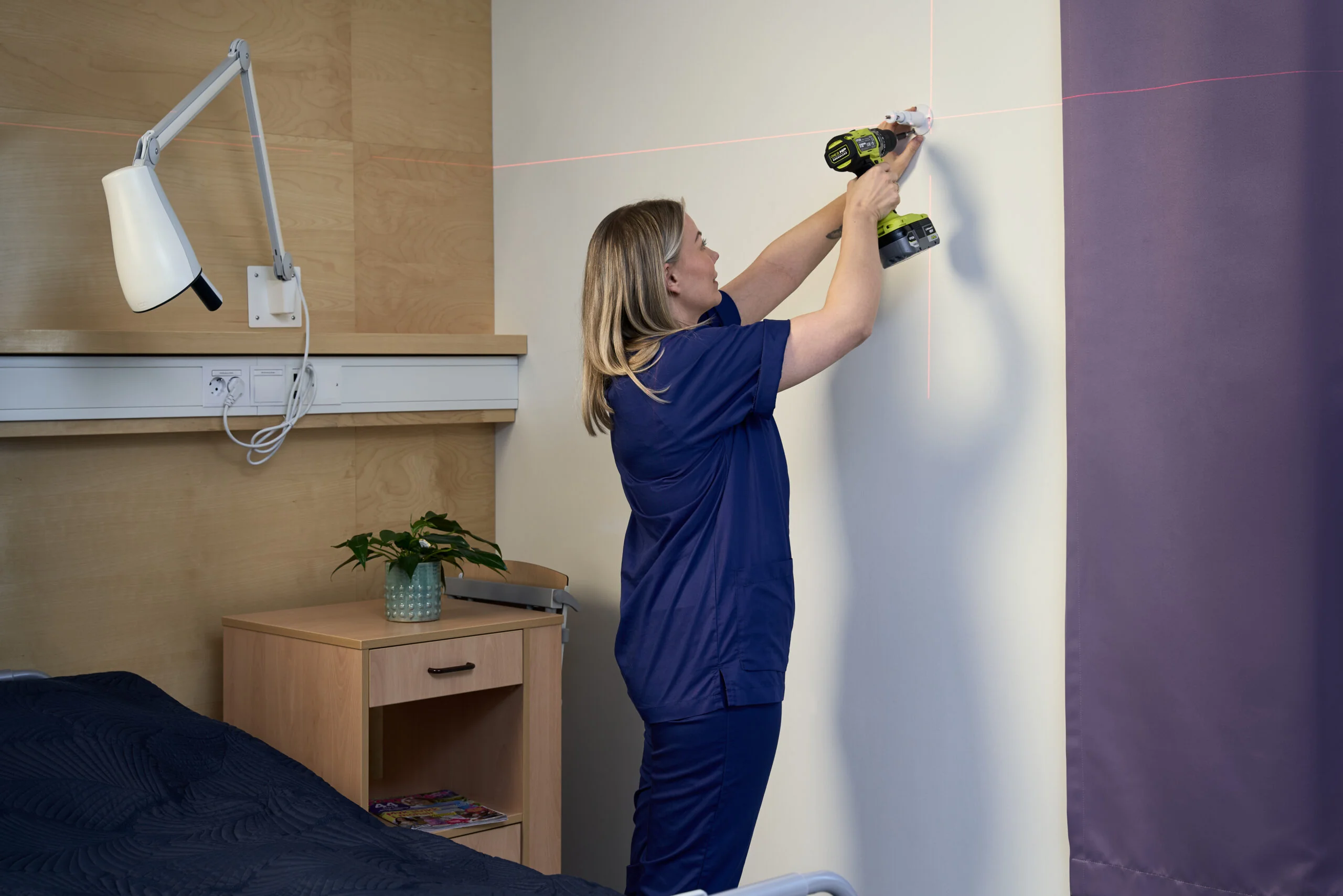
Nattugla Installation

The Nattugla sensor uses advanced classification and detection to ensure safety and provide good alerts in case of unwanted events.

For the technology to work optimally, there are three things you need to know about the location and environment.

INSTALLATION PRINCIPLES

Three things every installer needs to know.

1 Step one of three

Placement on the opposite wall.

The most important thing for a reliable “Up in bed” alarm is the angle. Nattugla should never be placed directly behind the head end or right at the foot end.

Mount Nattugla on the opposite wall in relation to the bed. The optimal angle is approx. 45 degrees towards the bed.

?
Why: This gives the sensor the best perspective to distinguish between someone lying flat and someone sitting up.
TOP-DOWN VIEW
ROOM (TOP-DOWN)
pillow BED head end ↑
NATTUGLA
45°
opposite wall
2 Step two of three

Detection and a clear line of sight.

Nattugla is based on visual detection. This means that the sensor must be able to detect the user clearly in order to correctly analyze movements.

Avoid obstacles: Large objects such as wheelchairs, walkers, armchairs or medical stands must not be placed in a way that obscures the bed or floor directly next to it.
Body contact: If a walker is between the sensor and the bed, the detection algorithm may lose track of the user's movements, which can lead to delayed or missed alarms.
LINE OF SIGHT
✔
Clear line of sight

Floor and bed fully visible to the sensor.

✖
Walker blocking the bed

Causes missed or delayed alarms.

✖
Wheelchair or armchair

Obscures the floor next to the bed.

✖
Medical stands in front

Block the analysis of movement.

3 Step three of three

Lighting conditions and zones.

Finally, we need to ensure optimal working conditions for the sensor.

Reflection: Avoid mirrors or glass cabinets directly in front of the lens that can reflect the infrared light.
Zone setup: Define "Bed" and "Floor" precisely in the app after installation is complete. Double-check that the zones are not blocked by curtains or furniture.
ZONE CONFIGURATION
BED Defined in the app · covers full mattress area
FLOOR Defined in the app · covers the area beside the bed
▲

Avoid: mirrors, glass cabinets, or any reflective surface directly in front of the lens — they reflect the infrared light and confuse the sensor.

SUMMARY FOR INSTALLERS

The 3-point checklist before you leave the room.

Placement

Mount on the opposite wall at a 45° angle to the bed to ensure the detection algorithms can distinguish between sitting and lying down.

Line of Sight

Maintain a clear view by ensuring furniture, visitors or medical equipment do not obstruct the bed or the floor area.

Configuration

Avoid reflective surfaces (mirrors) and precisely define the “Bed” and “Floor” zones in the app to finalize the setup.

Good luck with the installation!

Once Nattugla is mounted, head to How it works to configure the alarms and define zones in the app.